
TerminalDrome Features
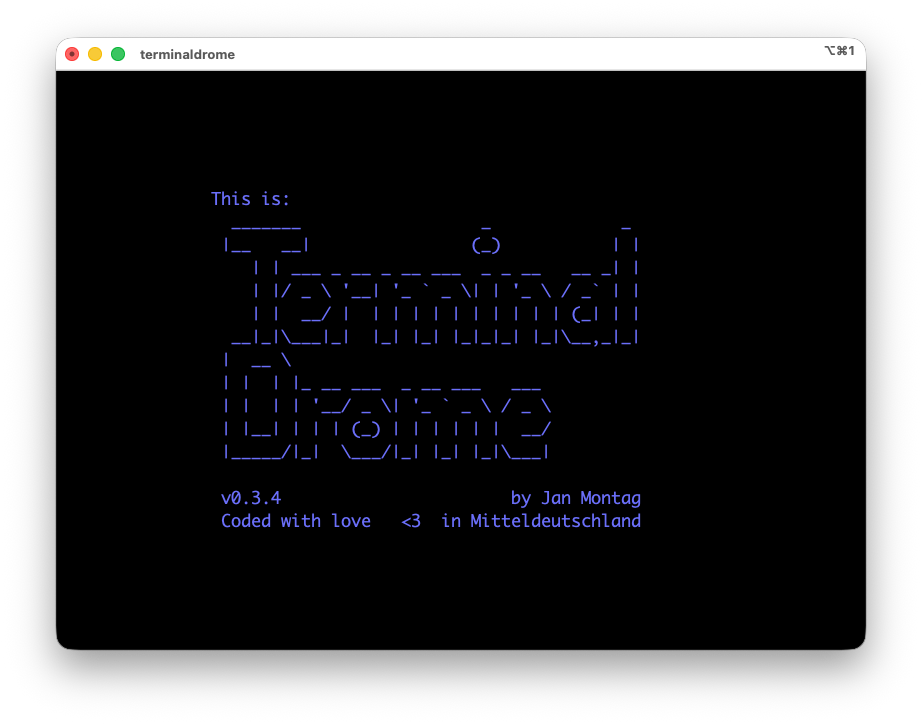
I’m happy to announce that TerminalDrome has been officially added to the crates.io repository. This means you can now install and use TerminalDrome on your system with a simple
cargo install terminaldrome
command. I’ve also added the ability to use playlists in TerminalDrome, which wasn’t available before. You can use the TAB key to switch the left pane to the playlists. In the middle, you’ll see information about the playlist, and on the right, the songs it contains. Otherwise, there were many bug fixes: one was a buffer overflow at the end of a song, which caused the runtime to be recalculated and resulted in a crash. Another was a large number of warnings, which I’ve resolved.
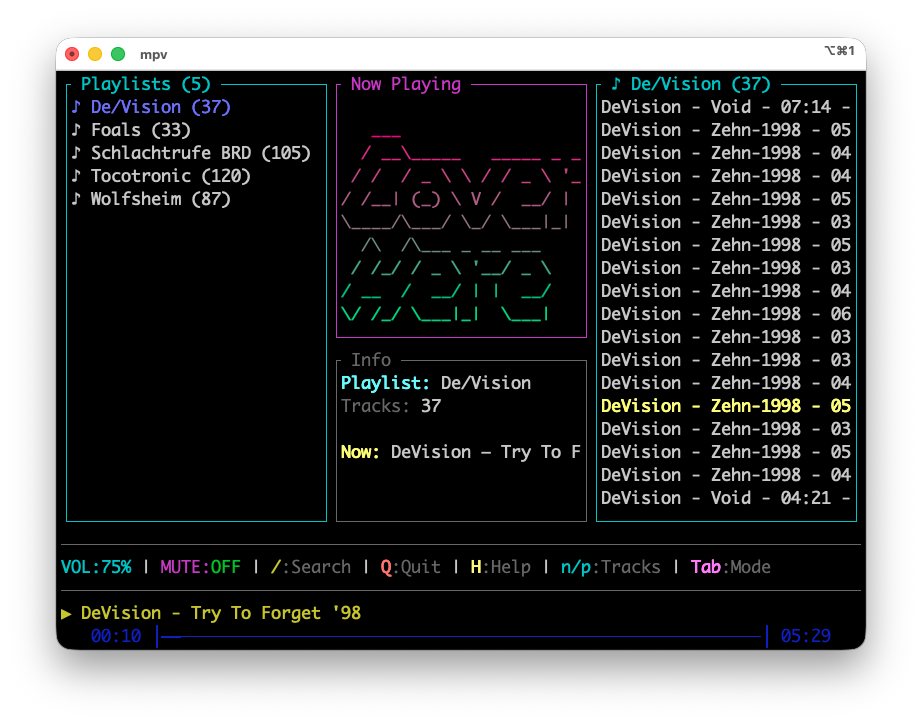
I look forward to your feedback and appreciate any comments you may have.
Short build instruction
You can also compile TerminalDrome directly from the source code. To do this, clone the current GitHub repository to your hard drive and run the following commands.
Clone the repo to your hard drive:
git clone https://github.com/thafaker/TerminalDrome.git
change to directory
cd TerminalDrome
next copy the template to config:
cp config.toml.template config.toml
edit the config file with your favourite editor of choice (nano):
nano config.toml
edit your personal navidrome ingredients:
# terminaldrome/config.toml.template
[server]
url = "https://your-navidrome-server.com"
username = "your username"
password = "your password"
Safe that file and start building your navidrome client:
cargo build --release
Depending on your hardware lasts the build a little bit longer or fewer, I think on modern machines 20 Seconds, on the powermac g5 a lot longer. That's all for today.
Future
- Cover Art Pane is empty while in Playlists, activate.
Ressources
- TerminalDrome on Github
- Navidrome Website
- Crates.io - TerminalDrome there
Tags: terminaldrome, terminal, navidrome, linux, macos