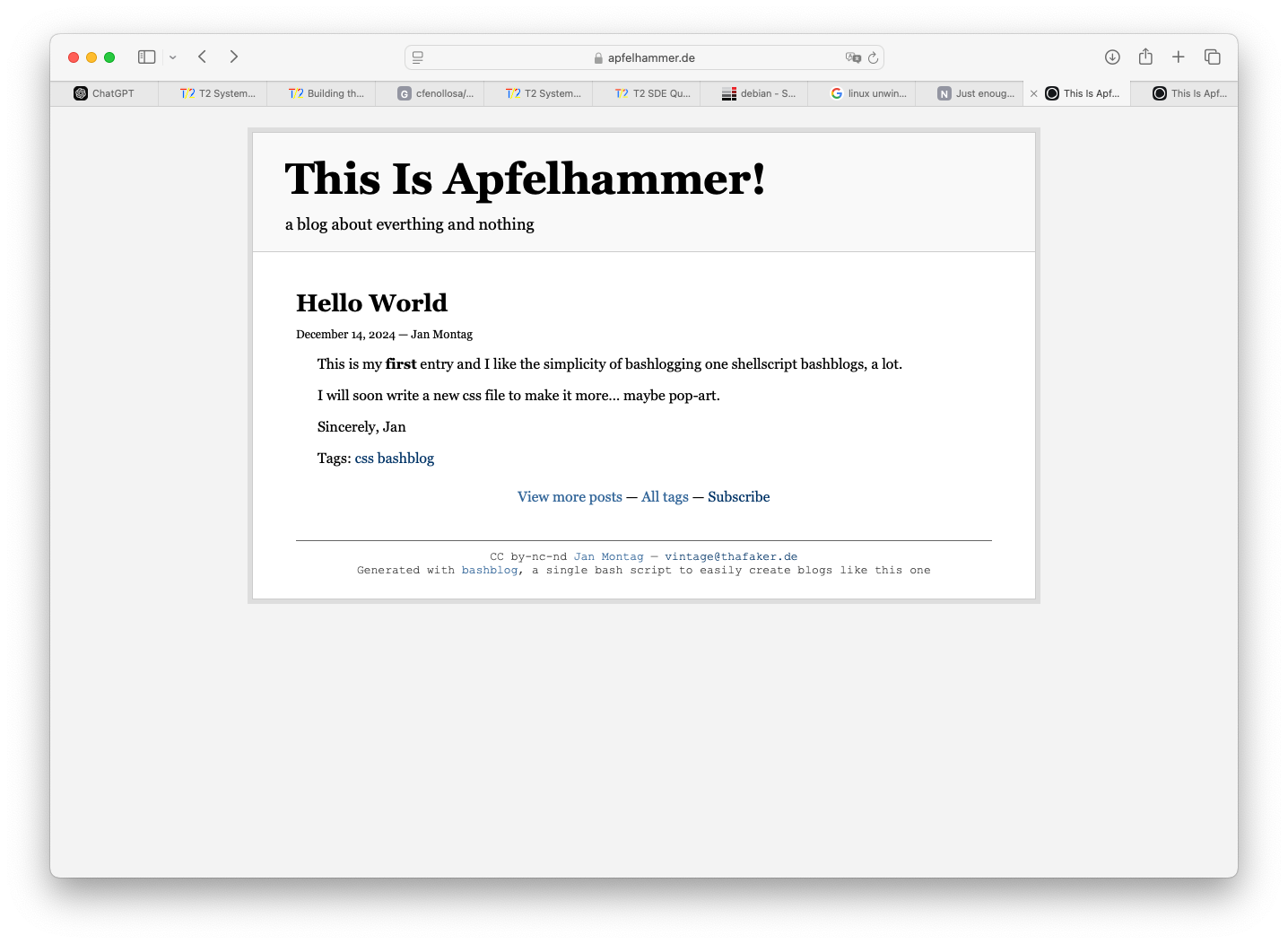
Since I installed an RSS-Reader like its 2007, I read my friends again. That’s a
thing I am really thankful for. And there, over at pfotenhauers frittiert.es,
I read a blogpost about App Defaults. It’s about People who show other people
what they are using for tools ’n apps on a daily base for working and living and in private.
I will do that, too.
App Defaults
Defaults
Mail Client: mutt, Mail.app, Thunderbird
Mail Server: self hosted, Linux
Notes: Notizen.App
To-Do: “Hey Siri, erinnere mich an…”
iPhone Photo Shooting: Camera.app
Photo Management: Apple Photos
Calendar: Google Calendar via Calendar.app
Cloud File Storage: iCloud, (in reality I don’t like clouds)
RSS service: NetNewsWire on iCloud :-)
RSS client: NetNewsWire on iOS and macOS, SeaLion on Powermac G5
Contacts: Kontakte.App
Browser: Safari, Chrome, Firefox, Edge,
Chat: WhatsApp, Telegram, Signal, Discord, irssi
Bookmarks: I don’t use Bookmarks anymore
Read It Later: I don’t use those kind of tools
Word Processing: Word, Pages, Markdown Formatting Textfiles
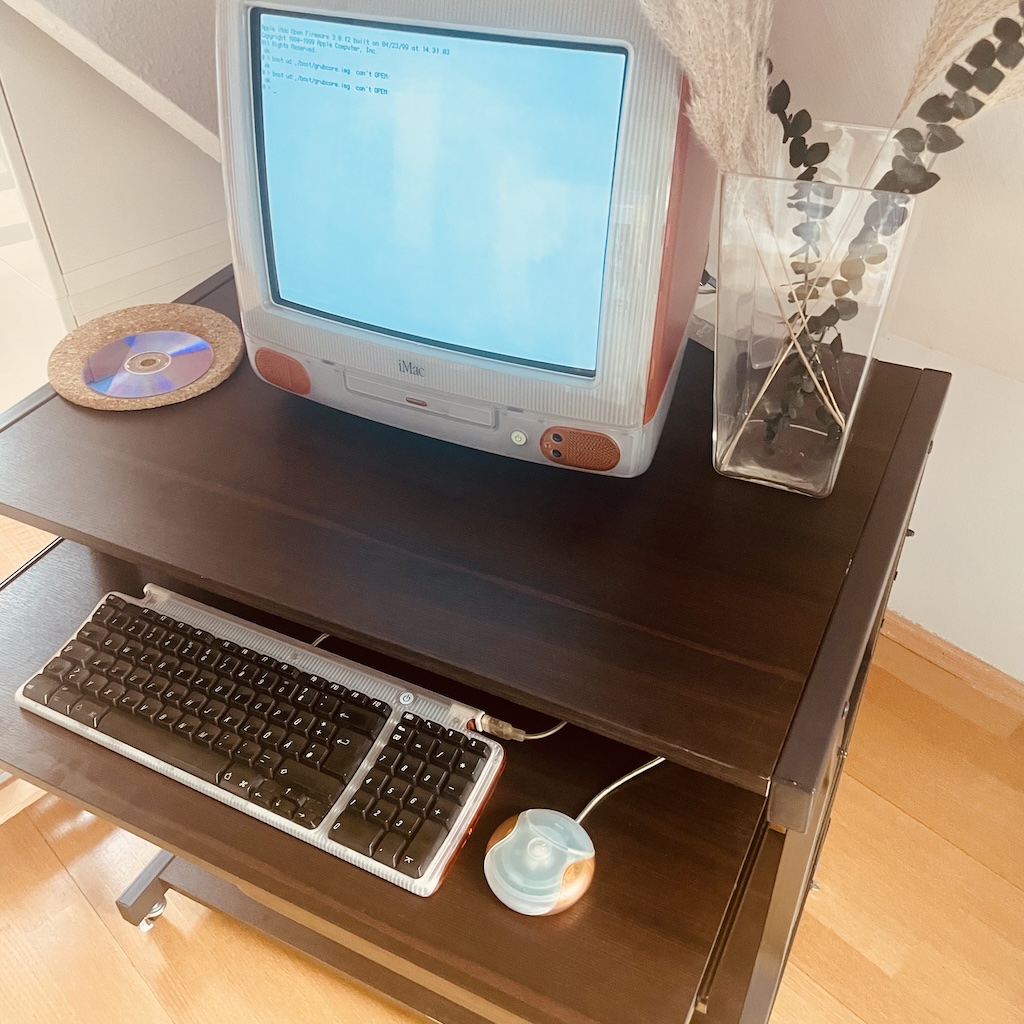
I had problems typing the backslash “" and bar “|” on my iMac
keyboard when in the OpenFirmware user interface.
A picture of my iMac G3 while in Open Firmware
The “" key on US iMac keyboards seems to produce keycode 57 (in X11).
There is no key on the German keyboard that produces keycode 57.
There is one with keycode 58, the “#” key.
Due to the lack of a good graphical email client1 for my Arch POWER Linux
Distro (Arch Linux for PowerPC), I tried several things and ended up with claws-mail. But it is not
installable or not existing in the repos of pacman for powerpc. So I dcided
to compile it by myself.
Claws-Mail 4.3.1 just compiled successfully on my Powermac G5.
As you all know, I’m a big fan of vintage computers. In addition to an iMac G3, a C64, and an Amiga 500/1200, I also run an MS-DOS PC with Windows 3.11 and networking capabilities. To enable file sharing, I have a small Samba 1 server running.
So it’s all the more exciting to see that the fantastic FreeDOS project has released a new version. FreeDOS 1.4 is here.
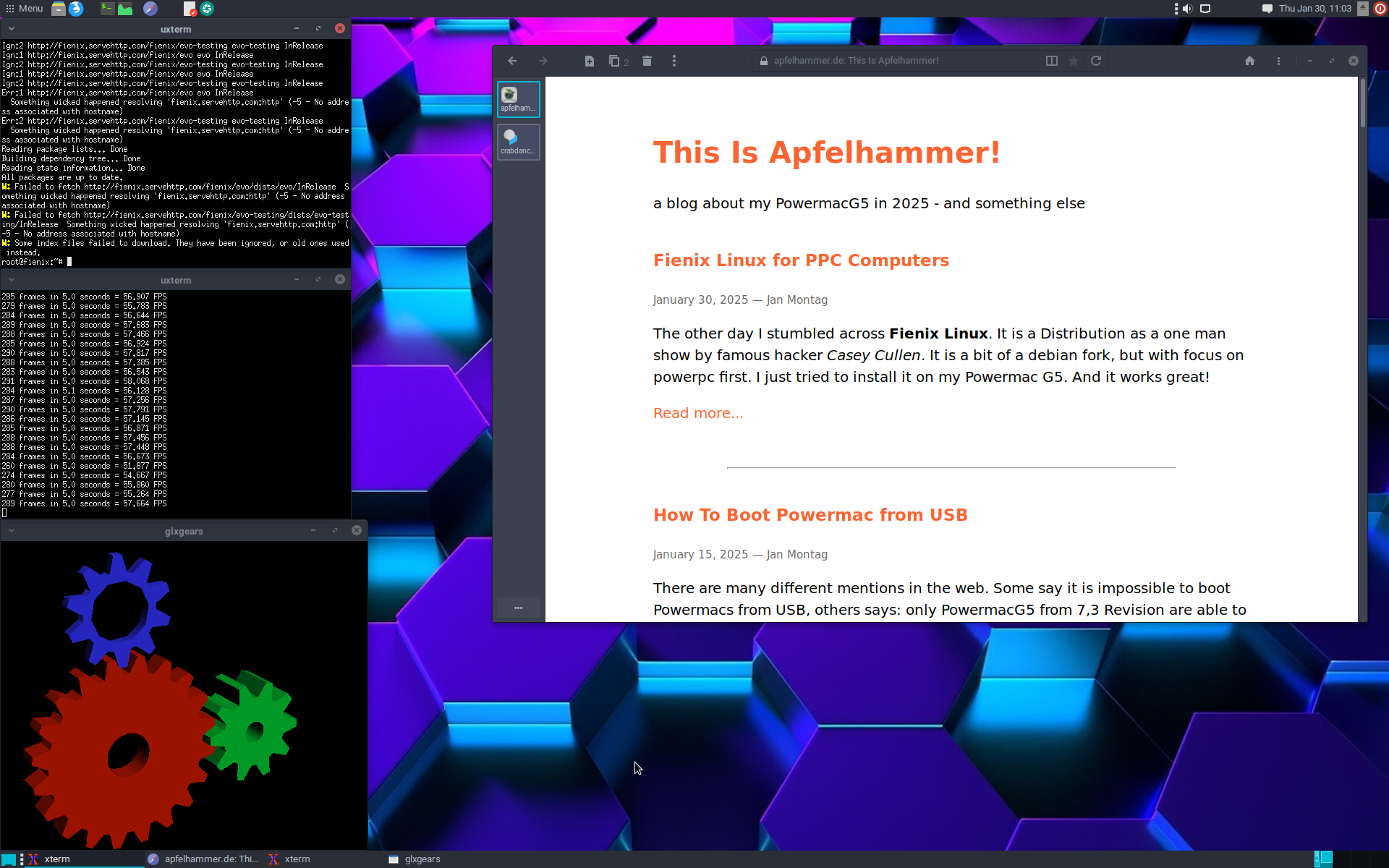
The other day I stumbled across Fienix Linux. It is a Distribution maintained by one man,
Casey Cullen. It is based on debian, but with focus on
powerpc first. I just tried to install it on my Powermac G5. And it works great!
Fienix Linux 6.0.1 on my Powermac G5, on real Hardware.
I find it quite sad because I only recently got to know Fienix Linux,
even though it has been around for a long time. And I think it’s absolutely
great because it works better than any other Linux on the Powermac G5
that I’ve tried so far:
Graphics acceleration
modern web browser
But unfortunately the package sources are dead, this Linux is based on Debian
SID and uses APT. The Fienix source server is unreachable and there is no
alternative.
Since I own the Powermac G5 and play around with it, I want to install a modern
Browser and therefor, I want to run Firefox on it. But it is not possible. I tried
different Linux Distros like Debian 12 PPC64, T2/Linux by Rene Rebe and even
some special builts of ARCH for PPC64 - but I had no luck. No one had luck and
even the Debian Mailinglist said it is not possible to built Firefox for PPC64
at this time. I even wrote about that.
In a nice comment from Matias, he told me he is using ArchPOWER Linux, an unofficial
Build of Arch Linux for PowerPC, PPC64, PPC and PPCle for the Power8 Architecture
etc. pp.; If I remember correctly, I stumbled across this Linux Distro while I
researched for the best Linux for my Powermac G5, but maybe because I was at
the beginning of my Linux journey on these machines, I found it to heavy or
something else told me not to try. I don’t know but it is not important anymore,
because I installed ArchPOWER Linux current on my NVMe-SSD in the Powermac,
multi-booting with T2 Linux, Debian 12 SID, Adelie Linux and Fienix Linux. :-)
Man, I am a little bit frustrated right now. Everytime a new release of
T2/Linux
is going online, I am really happy to try it out on my Powermac G5. I download
it and dd it to a USB Stick (here
I explain how to boot a PPC Mac from USB) and than boot the Powermac via OpenFirmware
from that USB Stick and everything works like charme. Like I exspect it.

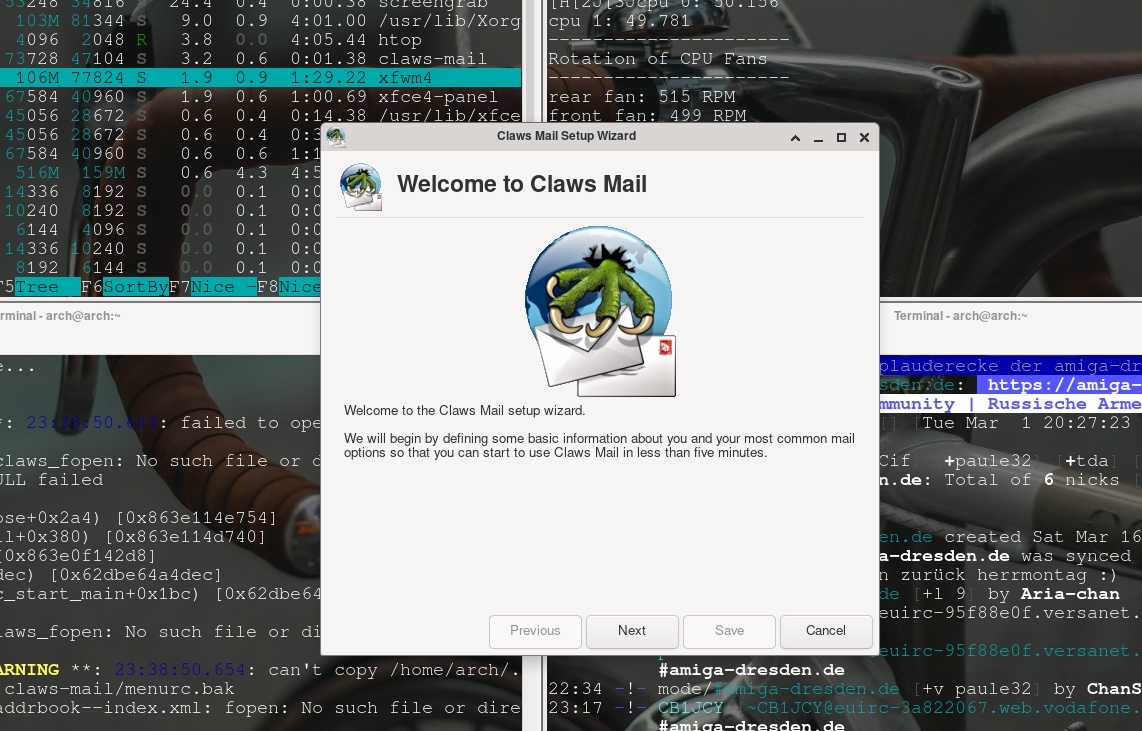 claws-mail first window, first start
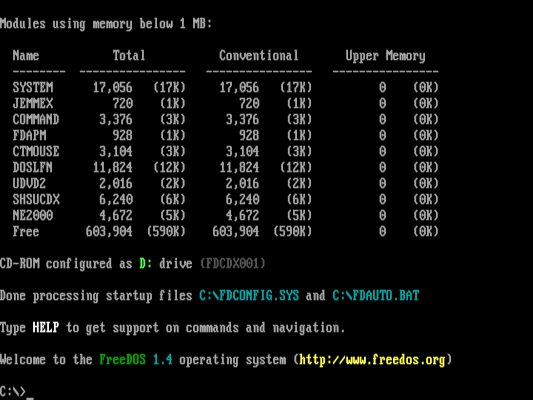 FreeDoS 1.4 Screenshot by freedos.org